
Visual supports. Made fast. Made personal.
Creating visual supports used to mean hours of Canva, printing, and laminating — or waiting for the next therapy appointment.
SeeStep generates personalised schedules, how-to guides, social stories, checklists, and choice boards in minutes, tailored to your child.
Limited pilot spots available — apply today.
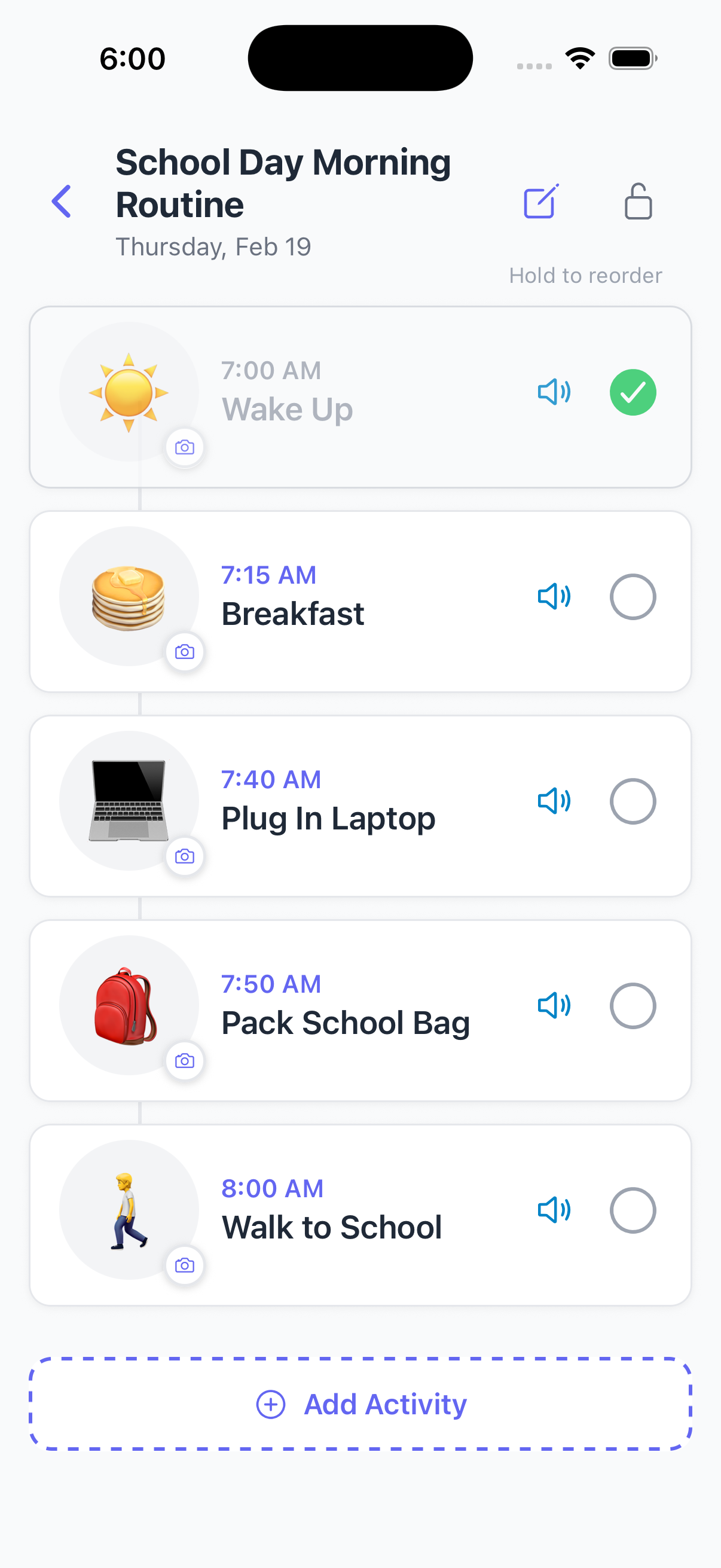
What You Can Create
Five tools. One goal.
Supporting parents, caregivers, and neurodivergent users.
Every visual support is personalised and fully interactive — with read-aloud, timers, progress tracking, and more.
How It Works
Personalised from the start.
Every visual support is shaped by who it's for. Set up a profile once — SeeStep personalises everything from there.
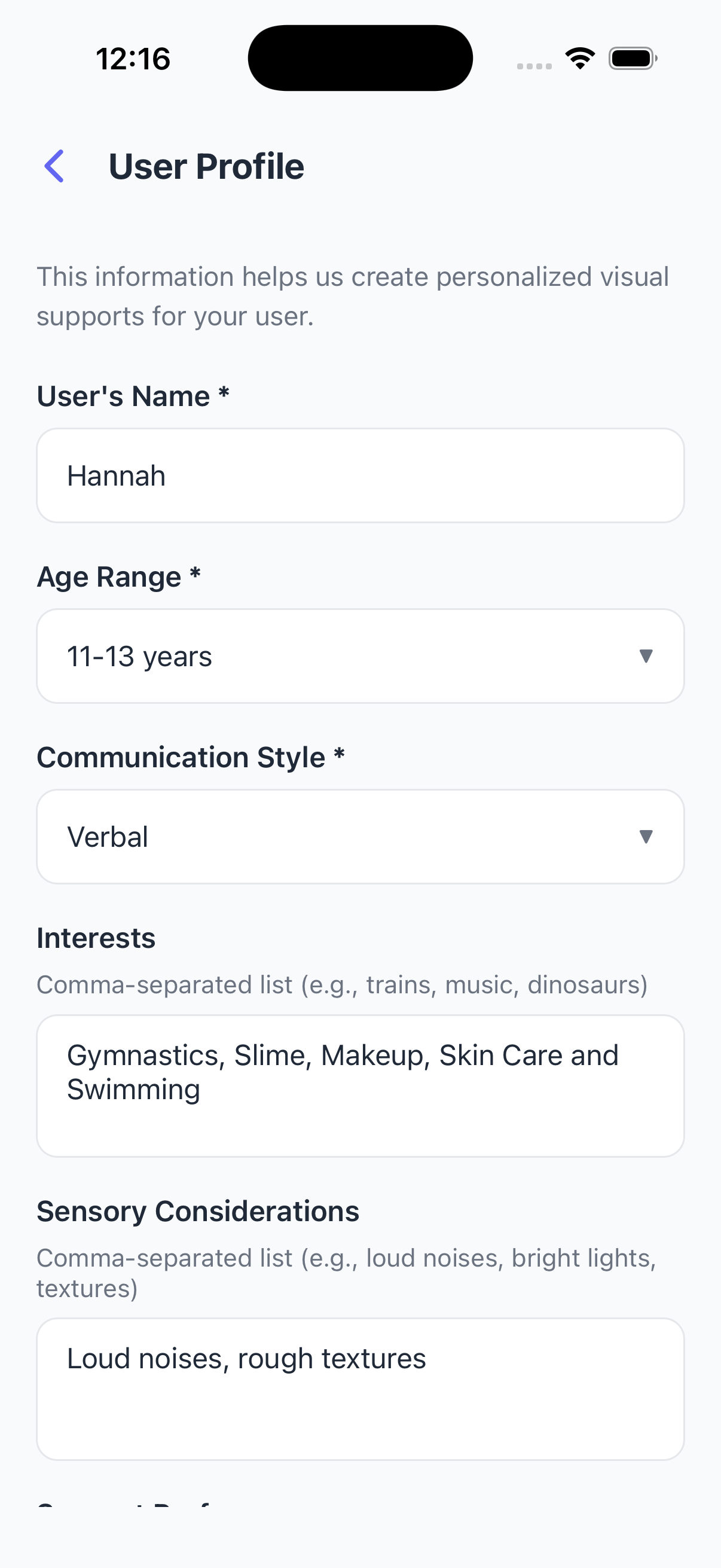
👤Create a profile
Set up name, age, interests, and communication style — this shapes everything SeeStep creates.
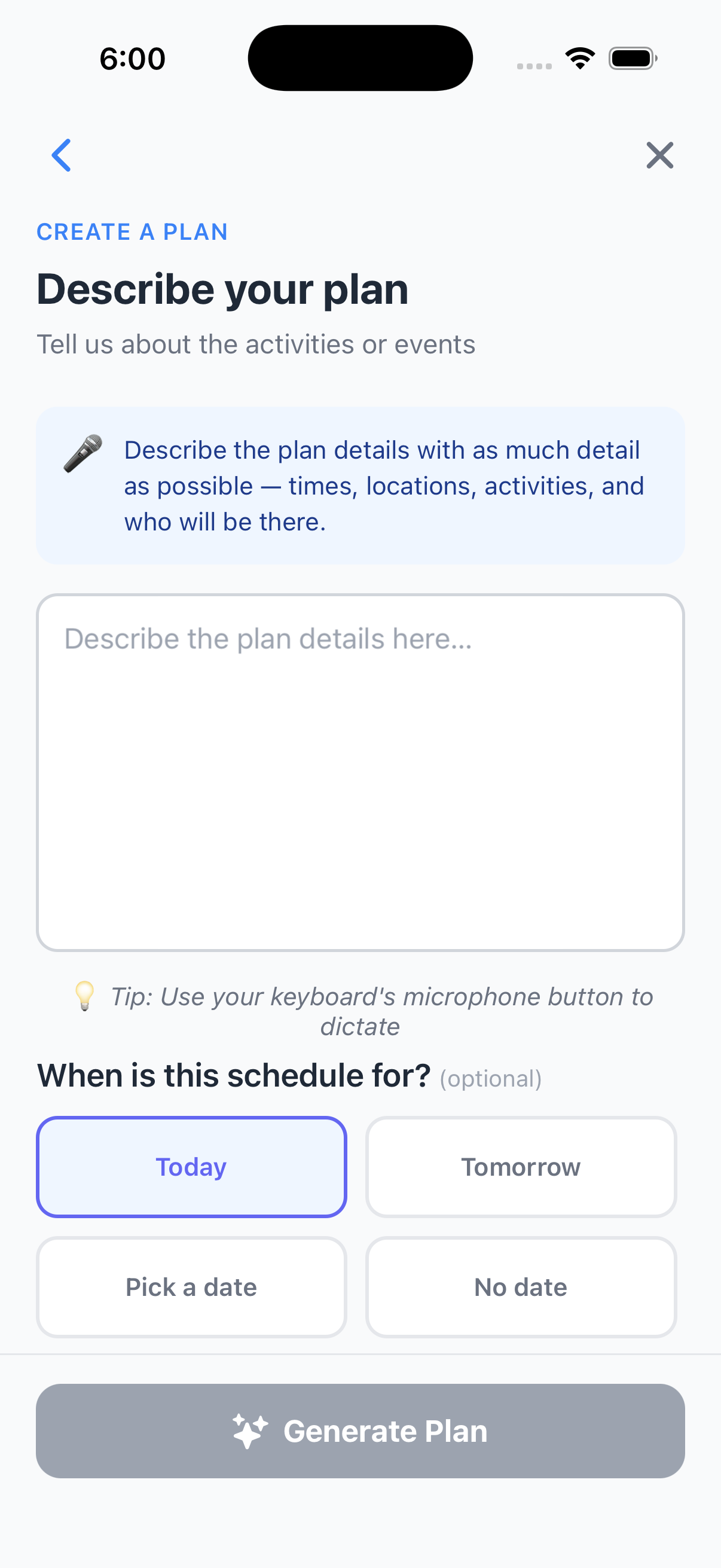
💬Describe what you need
Tell SeeStep about the activity or situation in your own words. No forms — just natural input.
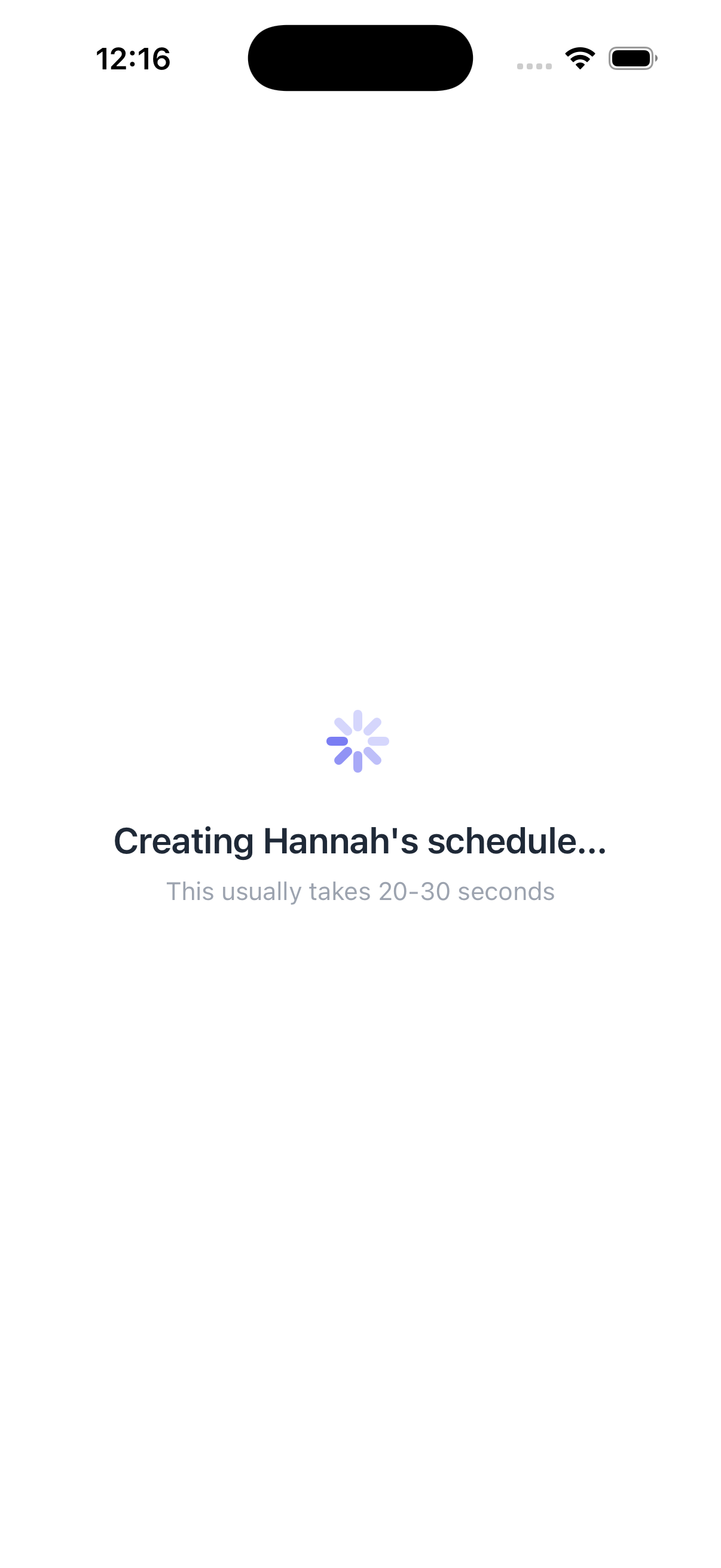
✨SeeStep does the rest
SeeStep combines the profile with your description to generate a personalised visual support in seconds.
🎯Use it straight away
Instantly interactive — with read-aloud, timers, progress tracking, and user mode.
Why profiles matter
A profile isn't just a name. It captures how someone communicates, what interests them, and what they find challenging. Every visual support SeeStep creates uses this context — so the language, tone, and detail level are always right for that person.
See It In Action
Five tools. Each one tells a story.
Describe
Describe your plan
Tell SeeStep about the activities in your own words — times, locations, who will be there. Use voice or text.
Features
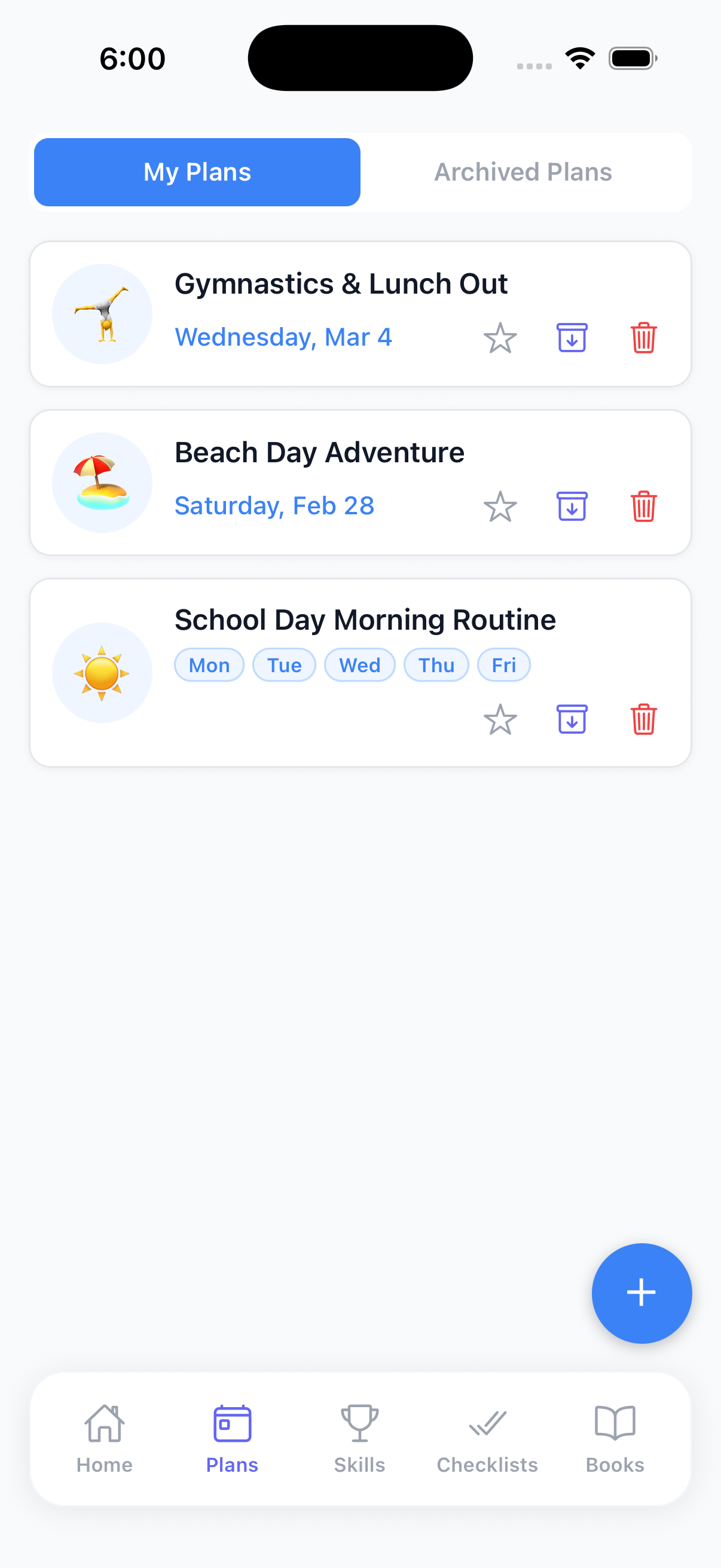
One Account, Two Modes, Many Profiles
You create. They use.
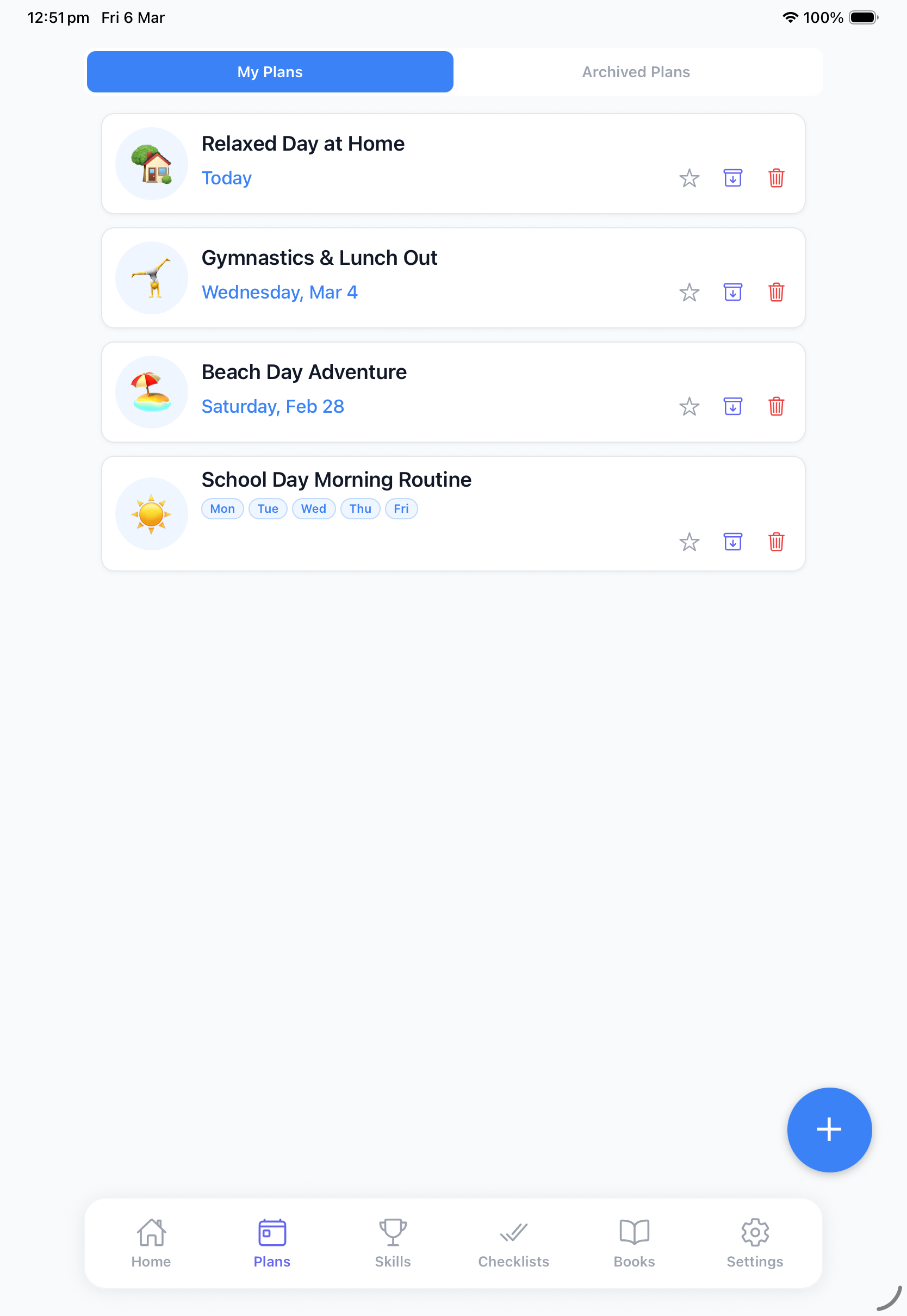
Create visual supports on your phone, then hand over a dedicated device locked to User Mode — each person only sees what's been made for them.
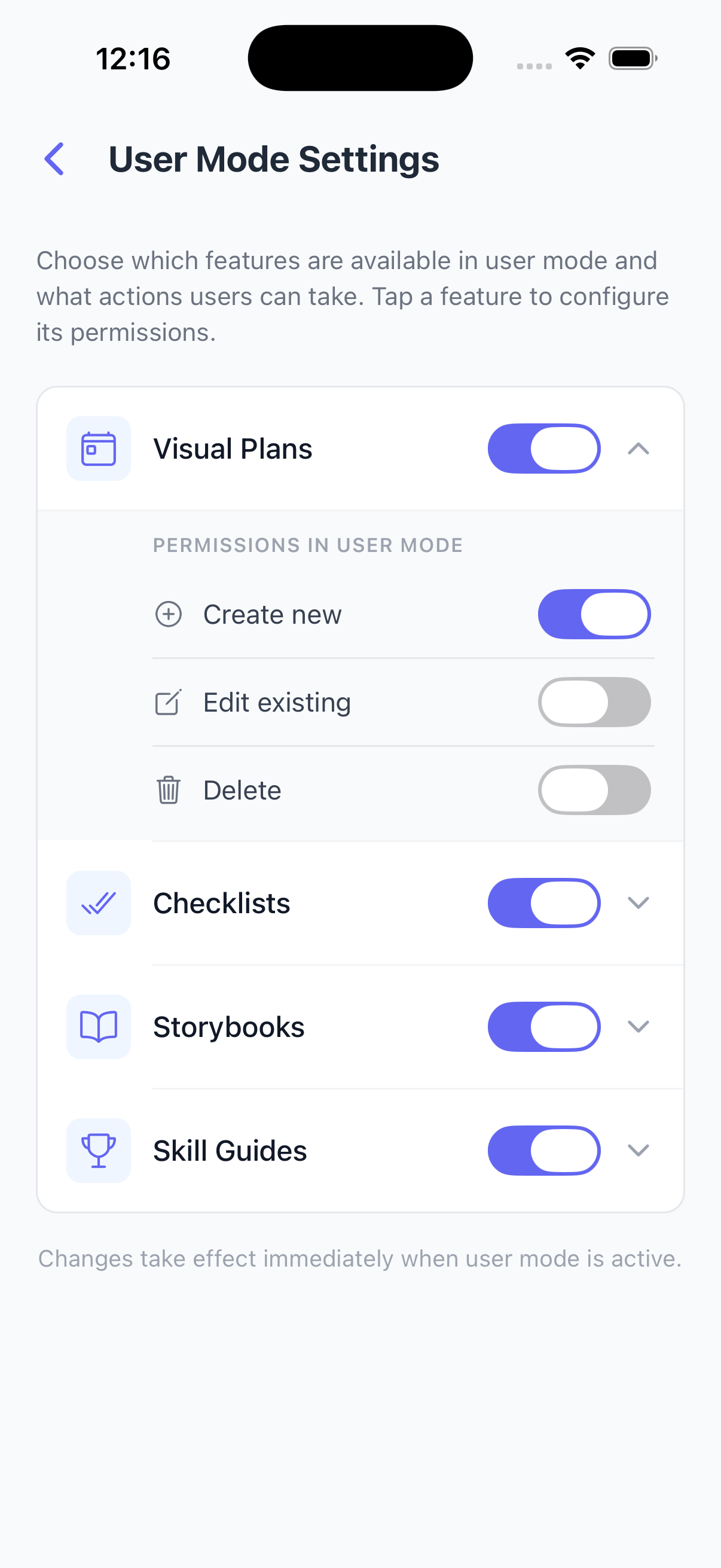
PIN protected
Only admins can switch modes
Configurable permissions
Control what users can access
Simplified user view
Clean, focused experience
Lock schedule mode
Prevent accidental changes
Multi-device
Manage from your phone, lock the iPad to User Mode
From the founding pilot group
We've spent the day using the app. I set up a checklist and some How-To guides — brushing teeth, morning self care routine, tidying room.
It's been really great, easy to use and intuitive. My daughter was really engaged while using it and successfully completed the tasks.
The self care routine and tidying room are activities she normally can't do by herself, so this has been brilliant. I even left her to it after she completed the first steps and she got it all done on her own — unprecedented.
Founding Pilot Group Member
< 3 min
avg. creation time
5 tools
in one app
iOS + Android
iPhone and Android
Help shape the future of visual supports.
We're inviting a small group of parents, educators, and therapists to help shape SeeStep before public launch. You'll get full free access — and a direct say in what we build next.
- Free access throughout the pilot period
- Shape the features that matter most
- Direct line to the SeeStep team
- Priority access when we launch publicly
Register your interest
Tell us a bit about yourself and we'll be in touch.
We'll be in touch soon. Applications reviewed weekly.
Join the SeeStep pilot.
We're opening SeeStep to a limited group of parents, educators, and therapists. Apply to be part of the pilot.
Limited spots available. Applications reviewed weekly.